Spacing
Content
Introduction
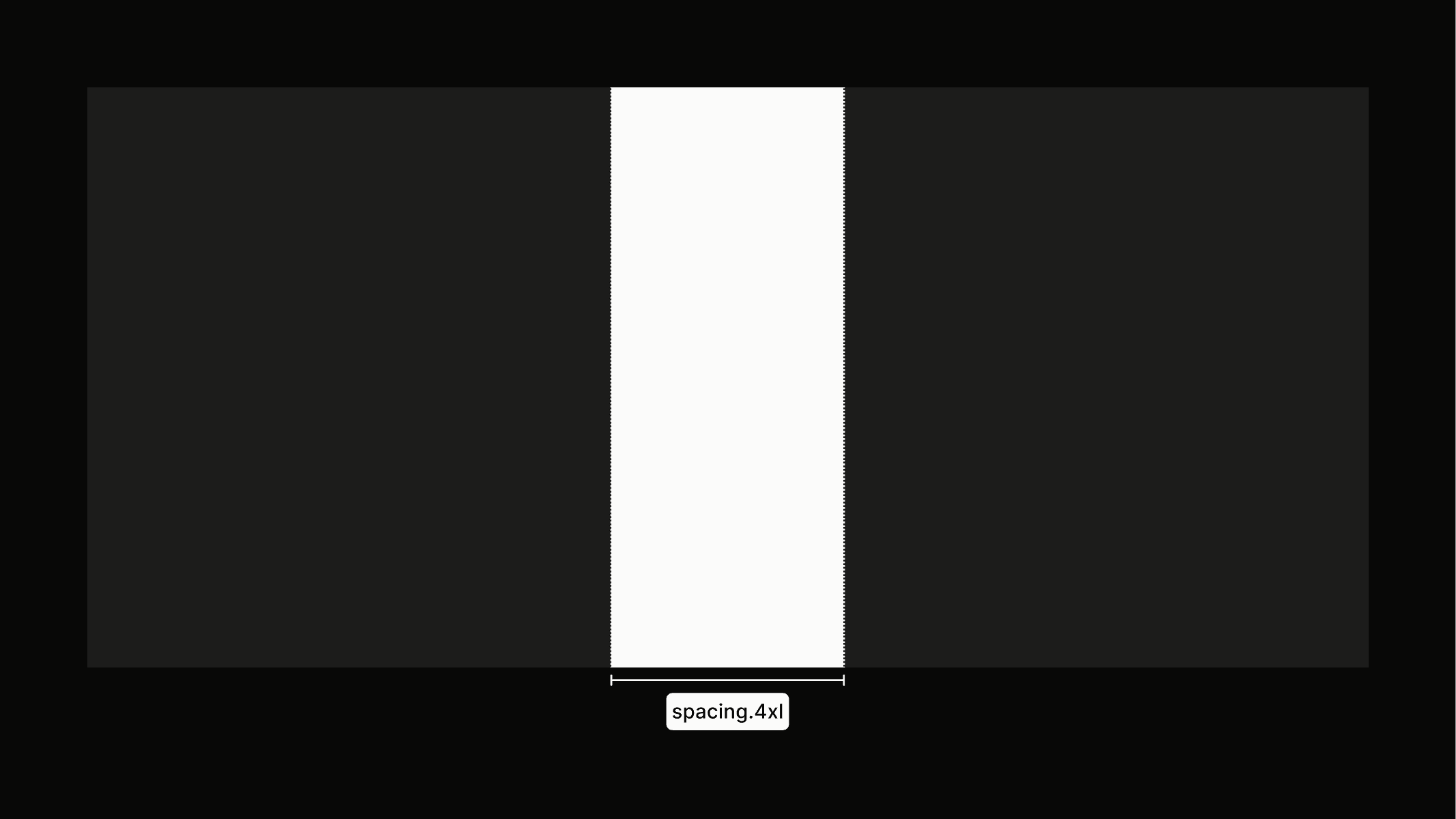
Spacing sets the rhythm of the interface, defining how elements relate to each other and how much breathing room surrounds them. Proper spacing keeps layouts clean, organized, and easy to navigate while giving the design a natural flow.
Principles
The spacing system helps create a clear and consistent experience for users. It also makes layouts easier to adapt for different screen sizes and supports flexible UI density in the future.
Spacing Scale
Building on the 8px base unit, the spacing system is structured around a defined scale. The scale provides a limited set of values that bring consistency and rhythm to layouts while keeping the system simple to use. Each value is a multiple of the base unit, ranging from 0px to 112px, offering flexibility without sacrificing visual coherence.
Hover over spacing for a quick preview
Usage
Clear rules show how much space to use in different contexts, helping layouts stay balanced, organized, and easy to read. Read more in the token library.
Sections
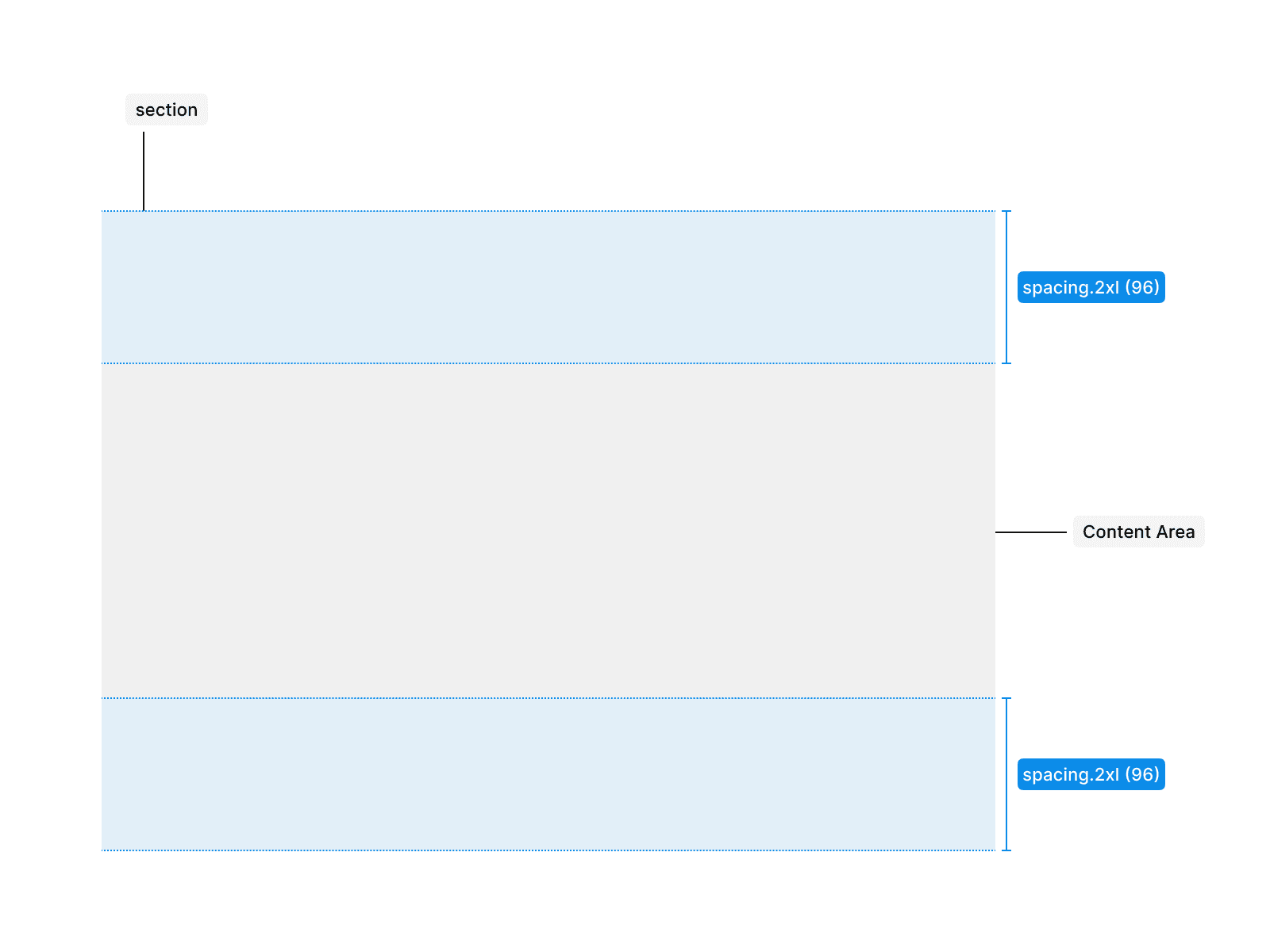
Use spacing.2xl for inner vertical padding in large sections, providing breathing room for content and visually separating sections from each other.
Container
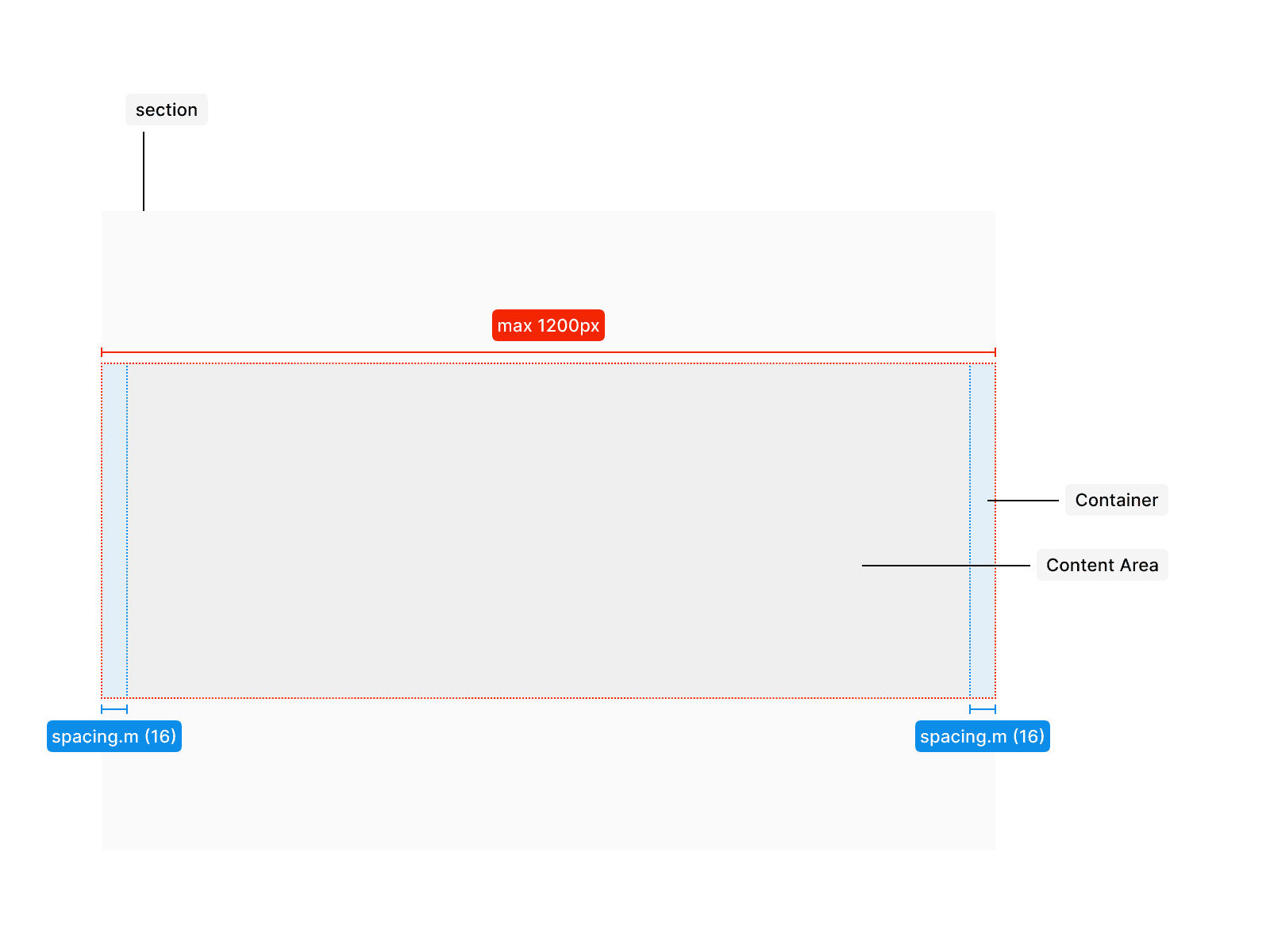
Containers use horizontal padding of spacing.m to ensure consistent distance from the edges on smaller breakpoints, while the container width is limited to 1200px to prevent content from stretching too far on larger screens.
Content Areas
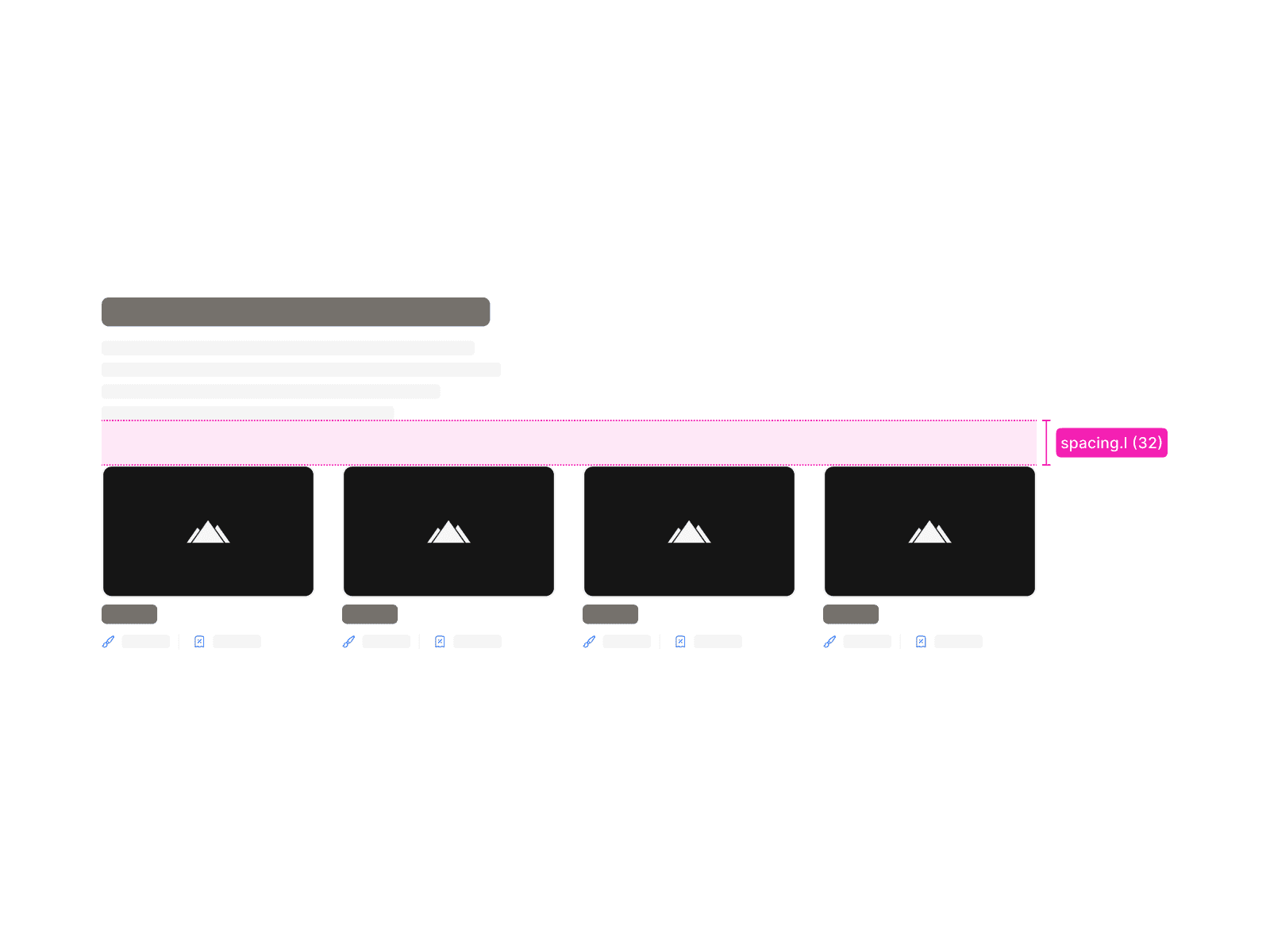
Separate content areas with spacing.l to create clear visual structure, improve readability, and help users distinguish different sections easily.
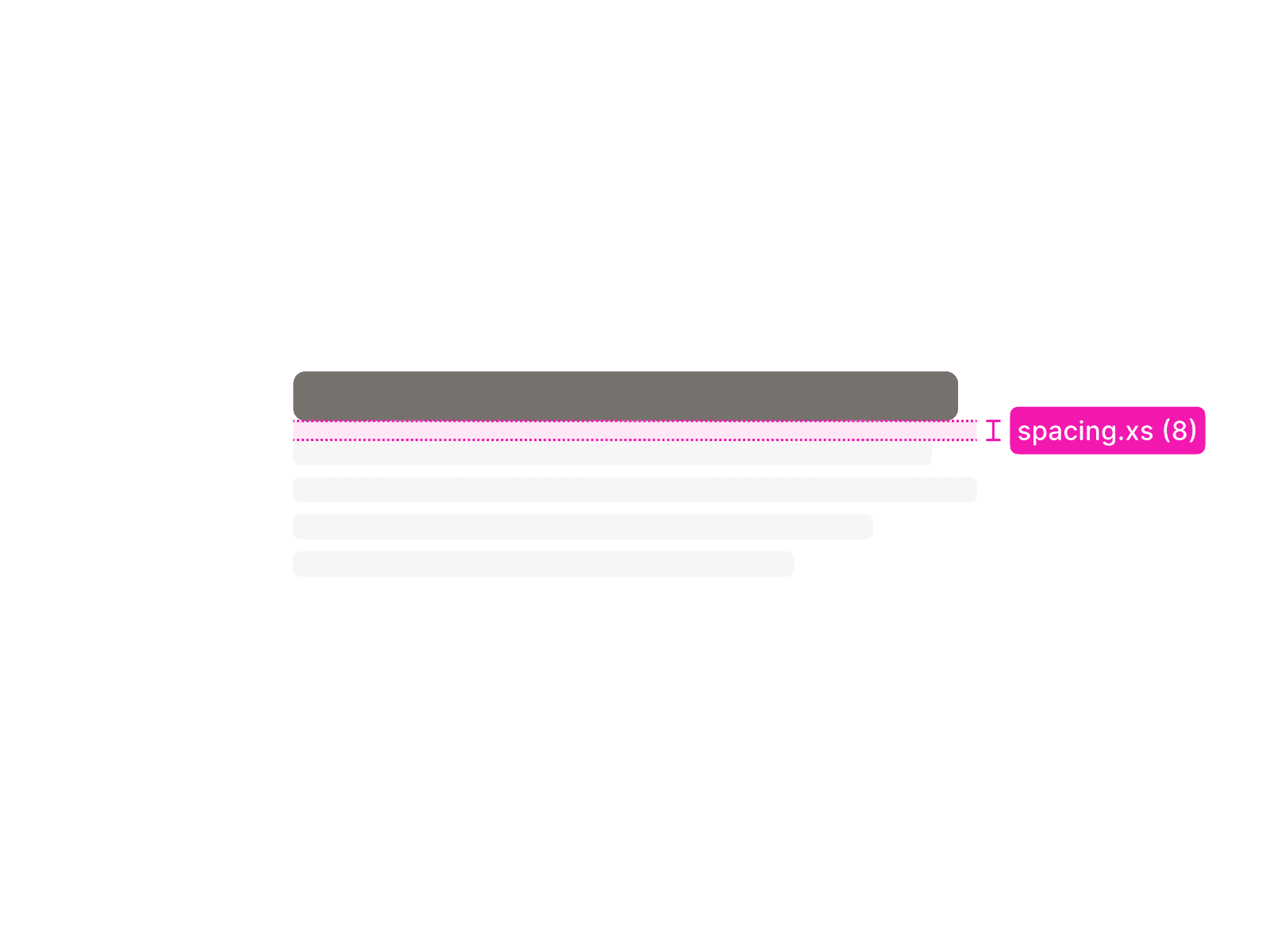
Headline + Paragraph Combination
Use spacing.xs to separate headlines and paragraph text, keeping them visually connected as a unit while maintaining readability and a clear hierarchy.