Product Card
Content
Introduction
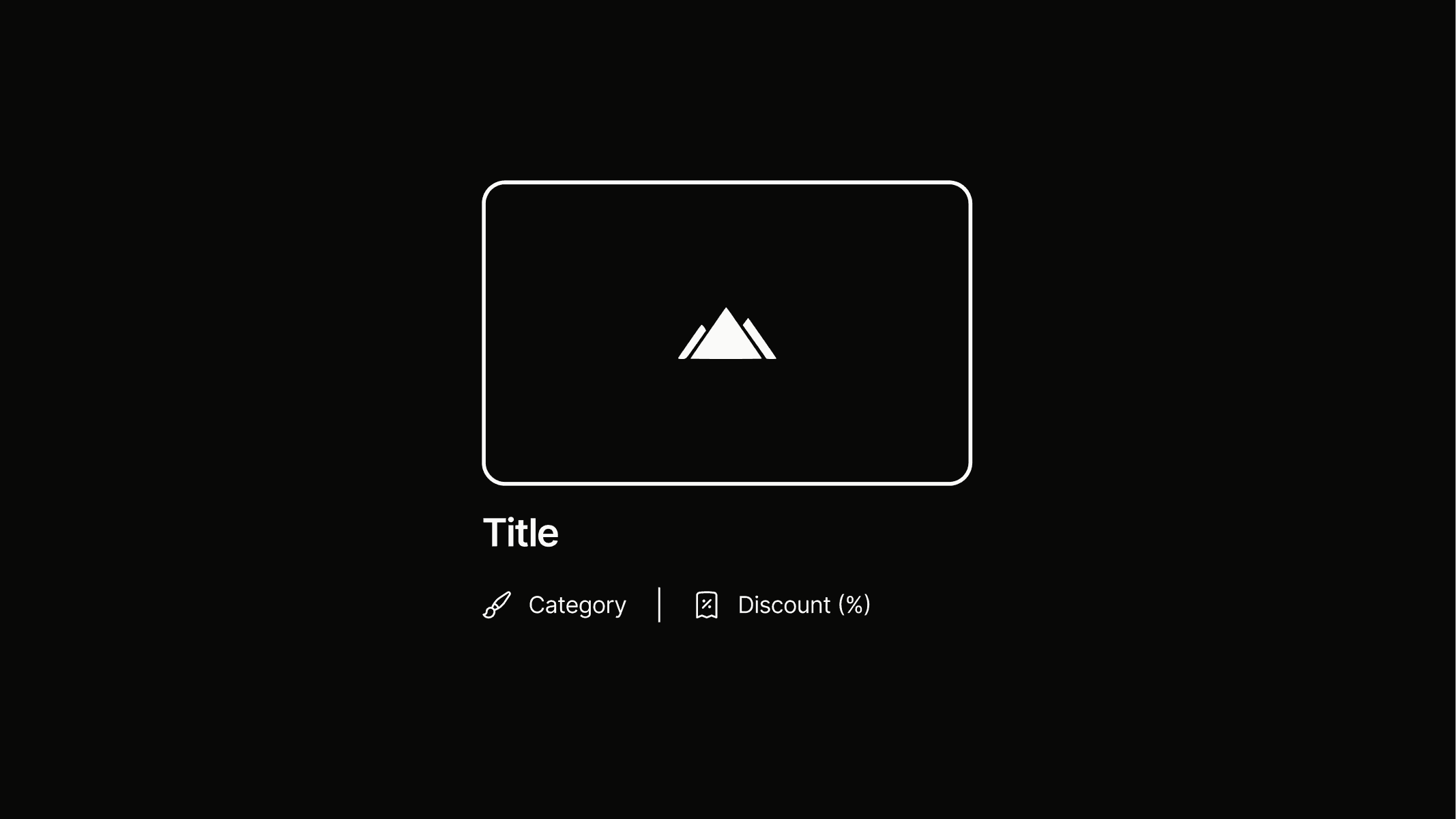
The product card is used exclusively for displaying products. It presents the most important information about a software offering and is designed to work seamlessly within a grid alongside other cards of the same type.
Variants
The product card has a single variant that works seamlessly on both mobile and desktop, providing clear and organized content. It includes an image and two badge.ghost.s elements, separated by a divider.
This one variant works seamlessly on desktop with a mouse and, thanks to its large surface, can be easily operated with a thumb on mobile.

Titel
card.product
States
On hover, the entire card scales up by a factor of 1.1 using transform:scale, making it easy to integrate. When multiple cards are used together, this creates a satisfying wave-like motion while hovering over different card.product elements (Preview).
Default
Titel
Hover - Scale x1.1
Titel
Preview
Use this area to interact with multiple arranged product cards and explore the hover state.

Craft
Webflow

Screen Studio
Refero
Anatomy
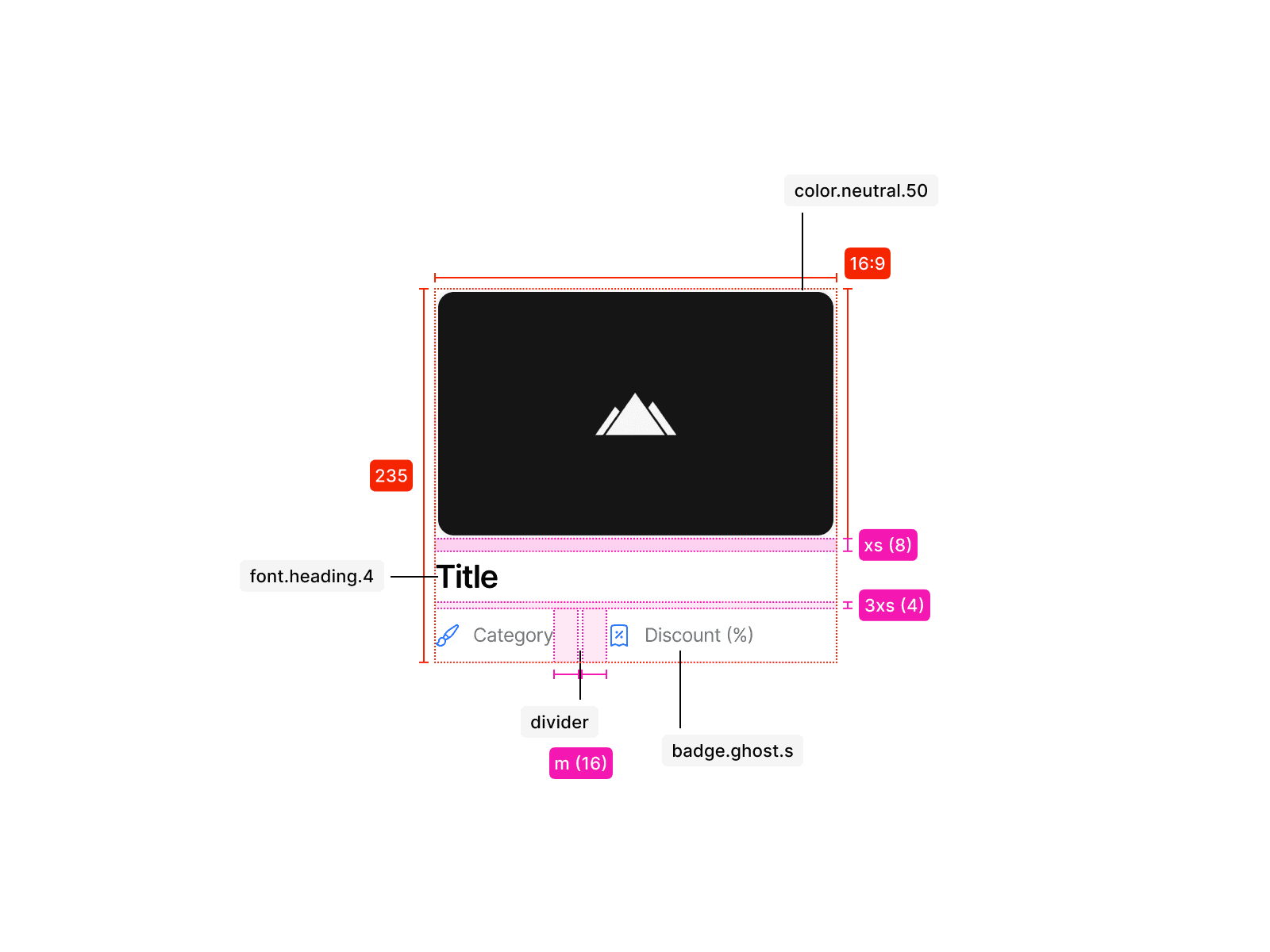
The product card consists of a 16:9 image showcasing the product, followed by a title that conveys key information. Two badge.ghost elements communicate the product category as well as the discount level. The exact tokens and their applications can be seen in the illustration.
Usage
An product card is used only in the specific contexts of displaying products and follows a clear rules for consistent application. The examples below show how it should be applied correctly and what to avoid.
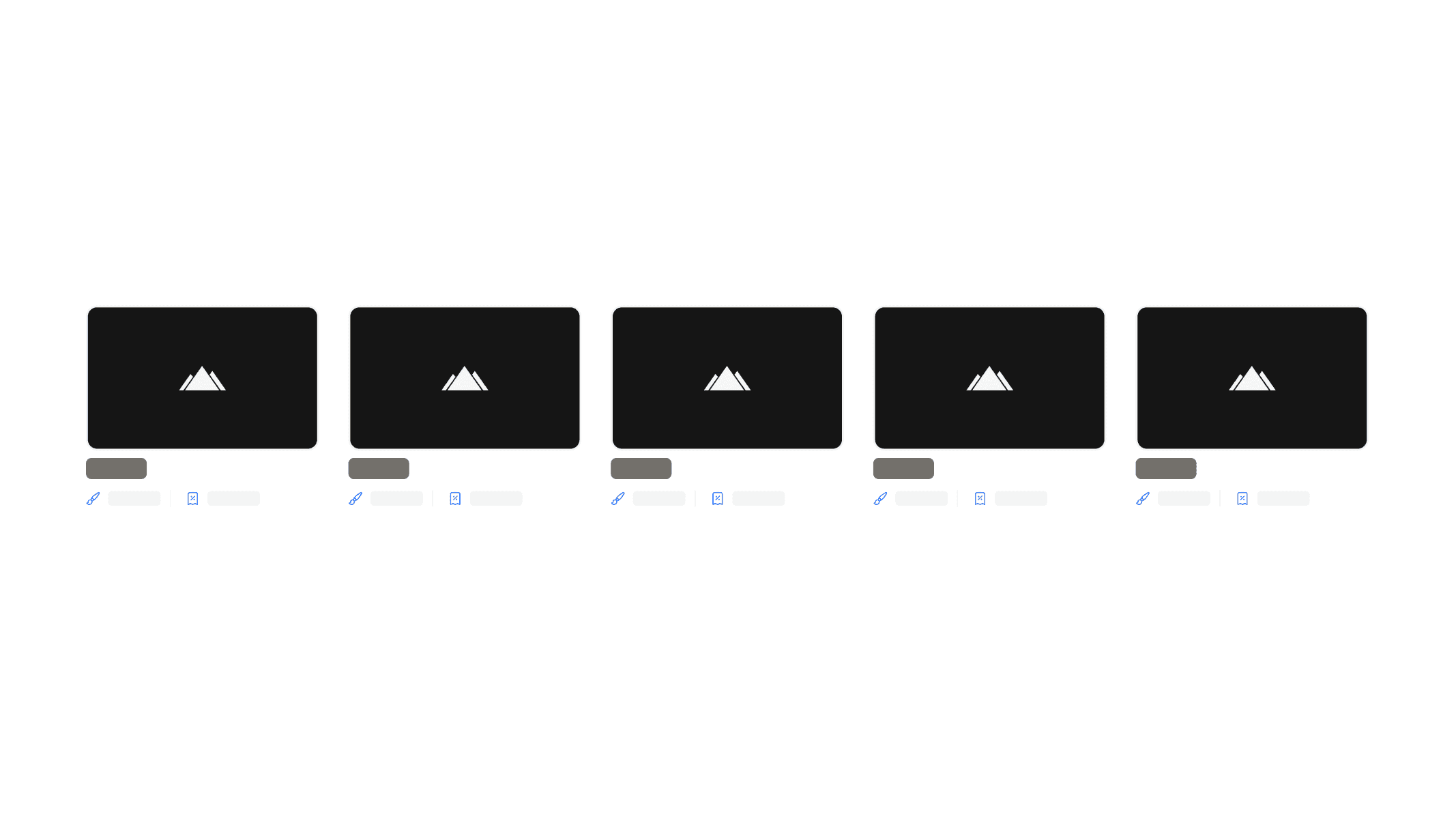
Do not use more than four cards next to each other to maintain clarity and avoid visual clutter.
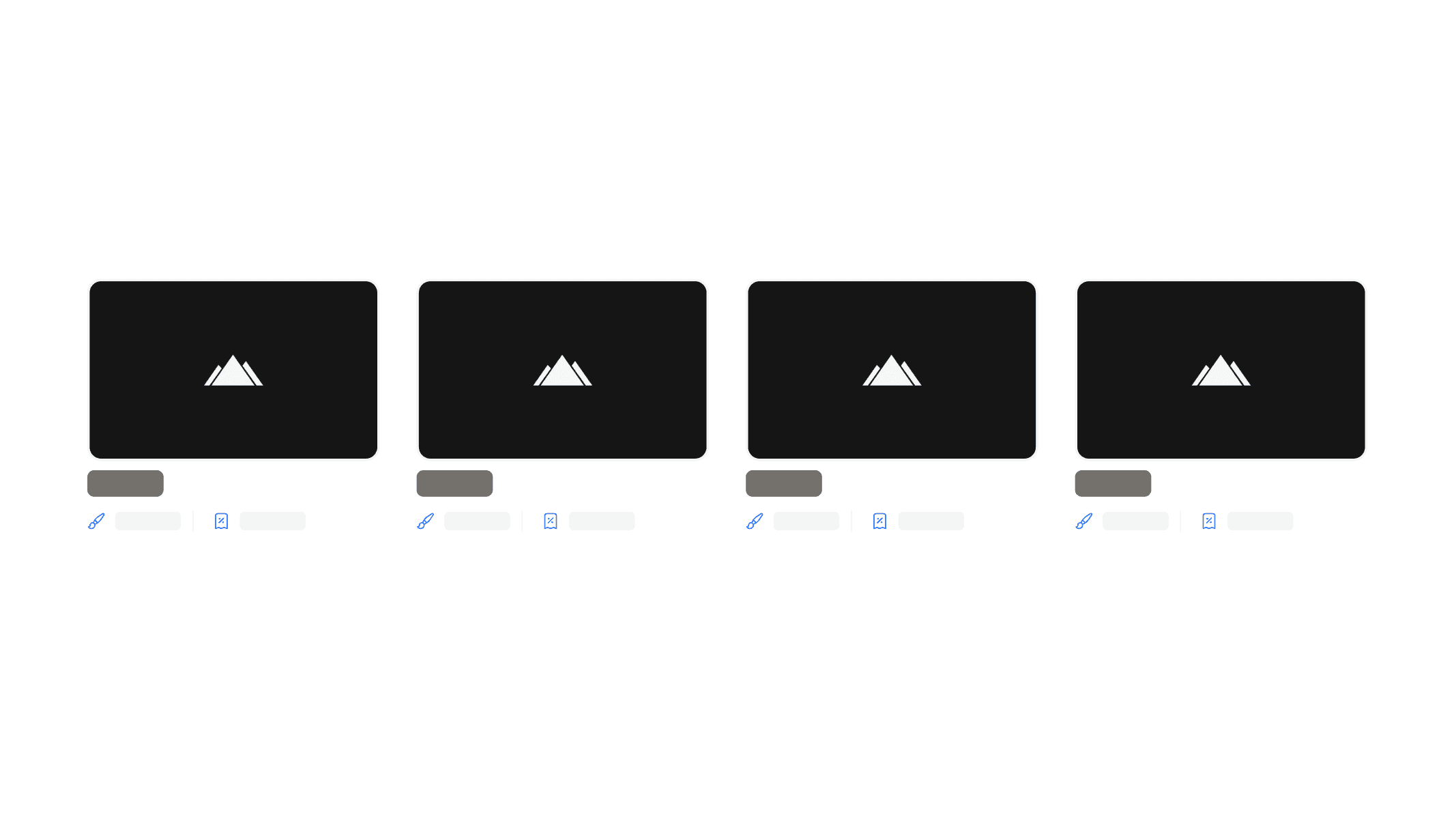
Keeping the layout to a maximum of four cards ensures the content remains easily scannable and visually balanced.